Webcam Posture Apps Compared: PostureWise, unhunch, SuperShrimp & SitApp
How PostureWise stacks up against unhunch, SuperShrimp, and SitApp — with a closer look at quiet nudges, periodic monitoring for battery, and the features that matter on a real desk day.
If you sit at a screen all day, you have probably already tried a timer, a brace, or a sticky note that said “sit up.” Those help for a week. Then they get ignored.
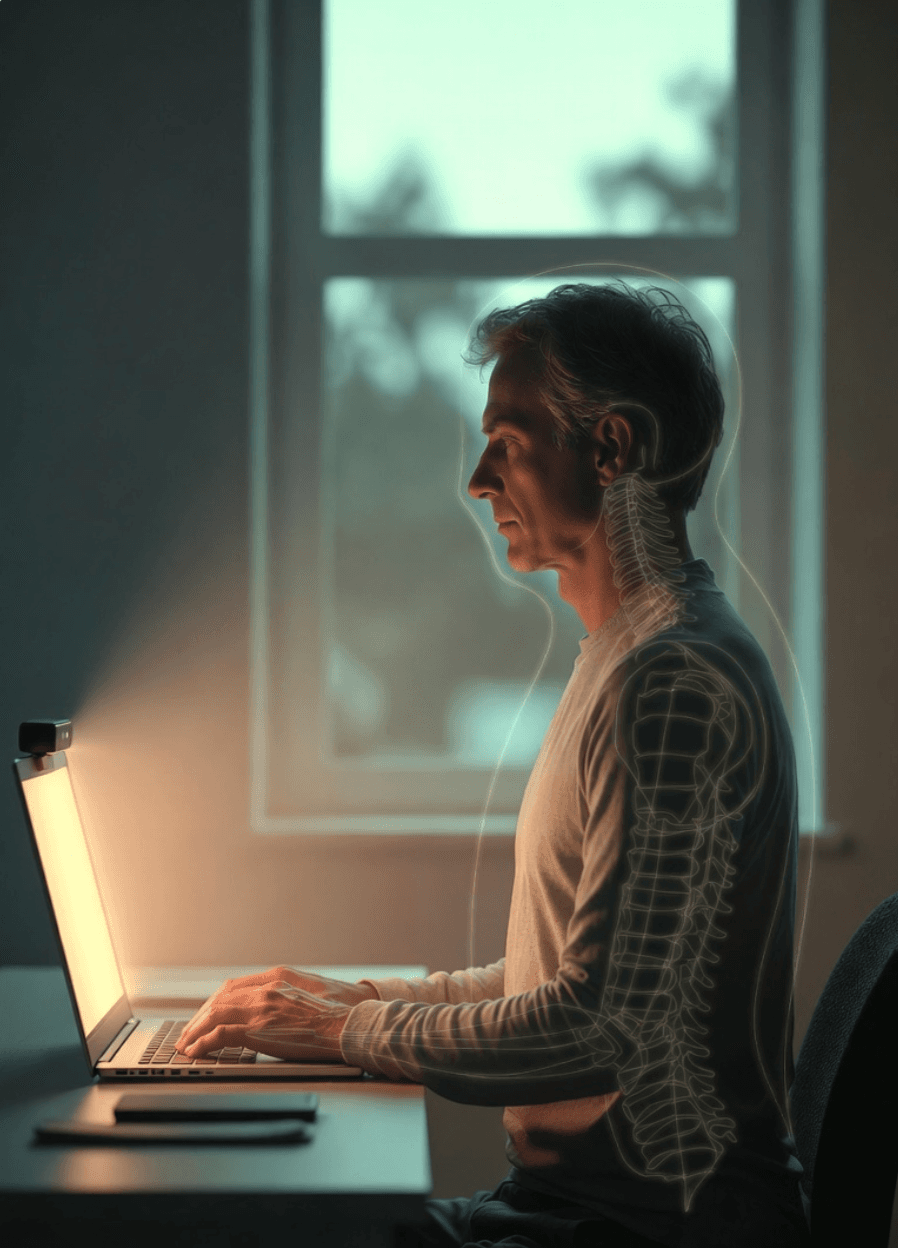
That is why webcam posture coaches exist. Your laptop camera watches how you sit and nudges you when you drift with no extra strap on your back.
The category looks crowded from the outside. Under the hood, the apps are not the same product. Some score you against a fixed model. Some ask you to set a personal baseline. Some want to be fun and always visible. Others — like PostureWise — are built to stay out of your way until posture actually slips.
This piece compares PostureWise with unhunch, SuperShrimp, and SitApp. We will cover what each one ships
What these apps are trying to solve
Most buyers are not looking for a medical device. They are knowledge workers — engineers, designers, writers, students, remote freelancers — already feeling neck stiffness, afternoon headaches, or “tech neck” after long sessions.
They usually care about three things:
- Privacy — a webcam pointed at your face is sensitive. Local analysis matters.
- Focus — loud or constant alerts get muted by day three.
- Battery and camera use — an always-on webcam coach should not feel like another video call running in the background.
Search intent follows the same path. People start with problem queries (tech neck, neck pain from computer, how to sit at a desk), move to category terms (posture app, webcam posture coach, AI posture coach), and only later compare products (best posture app, private webcam posture monitor, posture app for Mac or Windows).
If you are comparing tools, you are already past the “maybe I should stretch more” stage. You want something that notices the slouch while you work — without hijacking the work itself.
The four apps in one sentence each
- PostureWise — native desktop coach with personal calibration, named posture issues, quiet tray-first alerts, snooze/quiet hours, and optional periodic monitoring so the camera is not always on.
- unhunch — browser-based personal baseline coach. Calibrate by sitting tall for about five seconds, then get scored and alerted when you drift. Can pop out as an always-on PiP-style view.
- SuperShrimp — native app with a fixed AI score (no personal calibration), plus gamification like XP, an evolving shrimp, and leaderboards.
- SitApp — native cross-platform coach with good-then-slouch calibration, multi-desk profiles, break reminders, voice options, and a free tier with paid Pro.
Feature comparison
Here is the side-by-side on day-to-day behavior. Notice where PostureWise stands out: named issues, gentle escalation, periodic camera mode, and quiet controls. Those are the rows that change whether you keep the app installed after week one.
| Capability | PostureWise | unhunch | SuperShrimp | SitApp |
|---|---|---|---|---|
| Privacy model | On-device native app | On-device in browser | On-device native app | On-device native app |
| Calibration | Personal baseline (prep + hold + stability checks) | Personal baseline (~5s sit tall) | None — fixed model score | Good posture sample + slouch sample |
| Live score | Yes (0–100) | Yes (baseline = 100) | Yes (0–100 fixed model) | Yes (different UX) |
| What it detects | Named issues: forward head, rounded shoulders, tilt, screen distance, slouching | Composite drift (head drop, forward head, hunch, lean, shoulder tilt) | Score + general “sit better” coaching | Slouch-focused + moods / habit features |
| Alerts | Gentle escalation: tray cue → popup with live overlay | Flash / beep / OS notification; always-on PiP option | Popup + notification preview | Visual droid + sound + voice options |
| Background presence | Native tray / menu bar | Browser tab or PiP pop-out | Native tray | Native tray |
| Always-visible coach | No — only appears when posture slips | Yes (PiP) | No (notif preview instead) | Visual droid |
| Periodic / low-duty camera mode | Yes — camera checks in on an interval | No (always live) | No | No |
| Quiet hours / snooze | Yes | Limited publicly | Limited | Strong |
| Multi-desk profiles | No | No | No | Yes (up to 5) |
| Break reminders | No | Separate free timer tools | No | Yes |
| Voice alerts | No | No | No | Yes |
| Gamification / streaks | No | No | Yes (XP, shrimp, leaderboard) | Yes (streaks) |
| Install | Native (Mac & Windows; Linux coming soon) | Zero install (Chrome/Edge) | Native (Mac, Windows, Linux) | Native (Mac, Windows, Linux) |
Calibration: the quiet make-or-break
Most of these apps (except SuperShrimp) ask you to set a personal “good” posture. That baseline becomes your 100.
That design has a failure mode nobody likes to put on the homepage: if you calibrate while already slumped, the slumped pose becomes “perfect.” Alerts then feel late, wrong, or useless.
How each product handles that — and why PostureWise’s approach is more careful:
- PostureWise — Personal baseline with a prep phase (“adjust into your ideal posture”), a capture window, and stability checks so the app waits until you are holding still before it saves. Recalibrate anytime from settings if alerts feel off.
- unhunch — Instructs you to sit tall / sit the way you should, then hold still for about five seconds.
- SitApp — You show a good posture sample and a slouch sample, so the app learns both poles.
- SuperShrimp — Skips personal calibration. A fixed model scores you immediately — faster to start, less tailored to your body and desk.
Across the category, the common pattern is instruct + trust. If alerts feel off after install, recalibrate while sitting tall. PostureWise’s longer prep and stability gating simply give you a better shot at capturing the posture you actually meant to save.
Gentle nudges that do not steal your focus
Almost every posture app can show a score. The harder problem is alerting without becoming the reason you mute notifications forever.
PostureWise is designed around progressive, quiet escalation instead of immediate flash, beep, or voice:
- First, a small tray / menu-bar cue when posture stays off for a few seconds — enough to notice if you glance at the tray, not enough to yank you out of deep work.
- Only if you stay off posture does a slide-in popup appear, with a live overlay so you can see what to fix (chin, shoulders, distance) and reset.
- When you sit well again, the alert clears. No leaderboard interrupt. No floating coach parked on your screen all day.
- Snooze (30 minutes / 1 hour / 2 hours), quiet hours, and dismiss cooldowns cover meetings, deadlines, and “not now” moments without uninstalling the app.
Compare that with the rest of the table. unhunch can flash, beep, or sit as an always-on PiP coach. SuperShrimp leans on popups and notification previews. SitApp can use a visual droid, sound, and voice. Those styles work for some people. For developers, writers, and anyone who already fights notification overload, PostureWise’s tray-first model is the difference between a coach you keep and a coach you quit.
The coaching is also more specific. Instead of only a composite number or a generic “sit better,” PostureWise names the issue — forward head, rounded shoulders, shoulder tilt, screen too close or too far, slouching — and pairs it with a short cue like “lift chin” or “sit straighter.” You fix the actual habit, not a vague score.
Periodic monitoring: posture help without an always-on camera
This is one of the clearest gaps in the comparison table. Most webcam coaches assume the camera stays live while you work. That is fine on a plugged-in desktop. On a laptop battery, during Zoom calls that also need the camera, or for anyone who simply does not want a webcam streaming all afternoon, it adds up.
PostureWise offers two monitoring modes:
- Continuous — frequent checks when you want tight feedback.
- Periodic — the camera wakes for a short sample on an interval you choose (for example every 15, 30, or 60 minutes), then goes quiet again.
Periodic mode is how PostureWise optimizes for real desk days. You still get posture check-ins and gentle nudges when something is off. You do not pay the full cost of an always-running vision pipeline. Battery lasts longer. The camera stays free for meetings. Privacy feels simpler: the app is not watching every second.
unhunch, SuperShrimp, and SitApp do not ship this low-duty camera mode in the same way. If “webcam posture coach” has always sounded draining or intrusive to you, this is the feature that usually changes the conversation.
What else PostureWise gets right for desk work
Beyond alerts and battery, a few details add up over a full week:
- 100% local analysis — webcam frames stay on your computer. No cloud upload for posture scoring.
- Native tray / menu-bar app — runs in the background on Mac and Windows without depending on a browser tab staying open.
- Weekly posture stats — a simple 7-day trend so you can see whether sitting is actually improving, not just reacting to one bad afternoon.
- Lifetime license — $19 one-time for up to 2 devices. No subscription meter running in the background.
- Privacy-first product story that matches the engineering — local MediaPipe-style pose analysis, settings and history stored on device.
Platforms: Mac, Windows, Linux, or browser
PostureWise is available as a native app for Mac and Windows today, with Linux on the waitlist. That covers the machines most desk workers actually use.
| App | Mac | Windows | Linux | Notes |
|---|---|---|---|---|
| PostureWise | Yes | Yes | Coming soon | Native installers; Linux on waitlist |
| SitApp | Yes | Yes | Yes | Markets Mac, Windows & Linux explicitly |
| SuperShrimp | Yes | Yes | Yes | Cross-platform native; 1 license = 1 device |
| unhunch | Yes* | Yes* | Yes* | Browser app via Chrome/Edge on any OS |
Browser apps win on install friction. Native apps win on reliable background presence. PostureWise chose native so quiet tray cues, periodic camera wake-ups, and offline analysis work the way a desktop tool should — then shipped Windows alongside Mac so the same quiet coach is available on both.
Who this comparison is really for
If you want XP, leaderboards, or a floating character on screen all day, SuperShrimp and SitApp lean that direction. If you want a browser tab with a long trial and an always-visible PiP coach, unhunch is built for that.
If you want a private native coach that names what went wrong, nudges gently, lets you snooze through meetings, and can check posture on an interval instead of staring all day — PostureWise is the closer fit. That audience is large: developers in flow, remote workers on laptop battery, and anyone who already muted the last wellness app that beeped too often.
What people usually search — and how PostureWise answers it
Most people do not start by typing a brand name. They search the pain first.
- Problem: tech neck, forward head posture, neck pain from computer, desk back pain, proper desk posture.
- Category: posture app, AI posture coach, webcam posture tracker, fix tech neck.
- Comparison: best posture app 2026, private webcam posture monitor, posture app for Mac / Windows, posture app for developers.
For high-intent searches — private webcam coach, Mac/Windows posture app, something that will not break focus — PostureWise’s story lines up cleanly: local-only analysis, named issues, tray-first alerts, periodic monitoring, lifetime pricing.
That is also why this comparison spends more words on battery-friendly checks and non-distracting nudges than on gamification. Those are the features desk workers ask for after they have already tried the loud option.
Bottom line
Webcam posture apps share a core idea: watch the desk, score the sit, nudge the slouch. The differences show up in how loud the nudge is, how often the camera runs, and how specific the coaching feels.
PostureWise is built for the quiet version of that job. Personal calibration with stability checks. Named issues with short correction cues. Tray cue before popup. Snooze and quiet hours when you need silence. Periodic monitoring so battery and meetings are not fighting an always-on camera. Local analysis on Mac and Windows, lifetime access for $19 on up to two devices.
If that sounds like how you actually work, download PostureWise at posturewise.xyz and try it on your next desk day. The comparison table will still be here — but the feature that usually settles it is feeling a gentle nudge instead of another interruption.